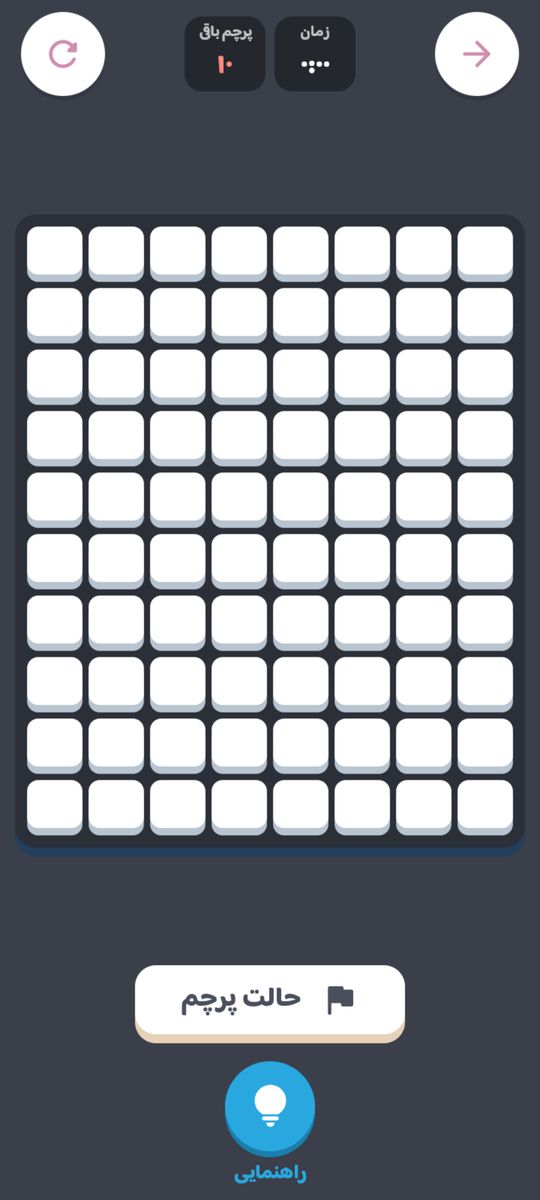
Minesweeper is the classic computer puzzle. Mines are hidden under the cells of the board. Every cell you open is either a mine or a number telling you how many mines touch it. Put the numbers together and you can work out which cells are safe and which to flag.
In Hamdor, Minesweeper is a single-player game that works fully offline. Your first tap is never a mine, there is a flag button, and the hint shows a cell that the numbers prove is safe. Your time and the mines left are shown at the top.
How to play Minesweeper
- Tap a cell to open it. If it is a mine, you lose.
- A number shows how many of the eight surrounding cells hold mines. A cell with no mines around it opens its neighbours automatically.
- Your first cell and its neighbours are never mines.
- To mark a mine, turn on flag mode or press and hold a cell. You can't place more flags than there are mines.
- When a number has exactly that many flags around it, tapping the number opens the rest of its neighbours.
- Open every cell without a mine to win.
These are the exact rules Hamdor plays by; the app shows them too, under each game's How to play tab.
Minesweeper levels in Hamdor
- Easy: an 8 by 10 board with 10 mines, for learning how the numbers work.
- Medium: 10 by 14 with 24 mines.
- Hard: 12 by 18 with 50 mines, for players who know the patterns by heart.
- Logical hint: when you're stuck, the hint points to a cell the numbers on the board prove is safe.
Minesweeper modes in Hamdor
- Easy
- Medium
- Hard
Tips to win at Minesweeper
- Start without fear. The first tap is always safe and so are its neighbours, so every game opens with a clear patch.
- Start from the 1s. A 1 with only one closed cell next to it means that cell is a mine.
- A satisfied number clears the rest. If a number already has that many mines found around it, its other closed neighbours are safe.
- Learn the 1-2-1. Along a straight edge, it means the cells by the two 1s are mines and the one by the 2 is safe.
- Flag only what you've proved. A wrong flag throws off your counting; mark only mines the logic confirms.
- Leave guesses for last. If you must guess somewhere, solve the rest of the board first; new numbers may settle it.
Minesweeper in Hamdor
- Fully offline: once Hamdor has opened, this game runs without a connection.
- Hint: stuck? The hint button shows a cell that is certainly safe.
- Stats and records: games played, games won and your best results are kept.
- Your own look: change how the table and pieces look in the Hamdor shop. It is cosmetic only and never affects who wins.
Minesweeper FAQ
What do the numbers mean in Minesweeper?
Each number is the count of mines in the eight cells around it: above, below, left, right and the four diagonals.
Is the first click in Minesweeper always safe?
Yes. In Hamdor the mines are laid after your first tap, so that cell and its neighbours are never mines.
How do I place a flag?
Turn on flag mode and tap a cell, or press and hold the cell.
Can I play Minesweeper offline?
Yes. Minesweeper in Hamdor is free and works fully offline.